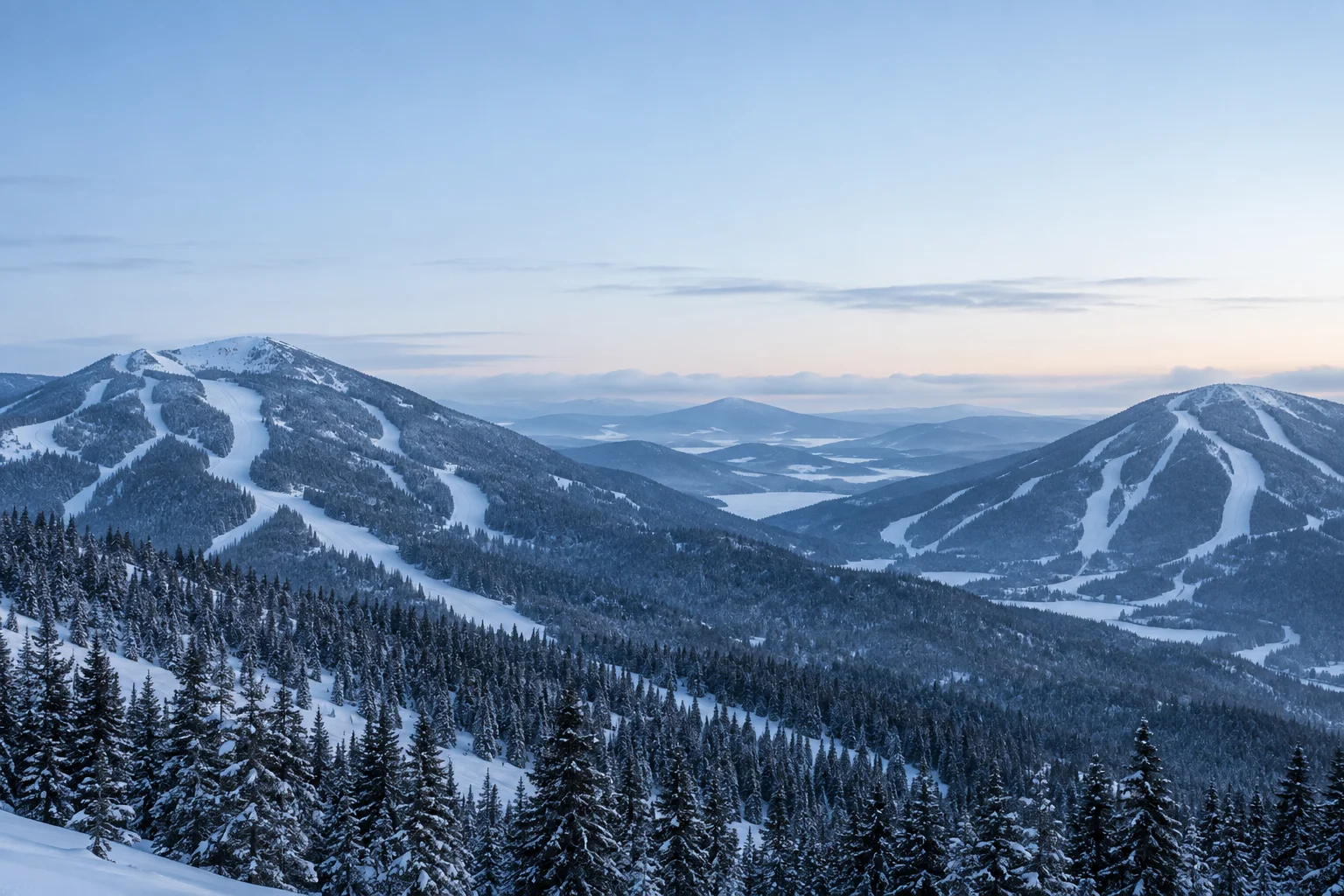

At the entrance
Where should I go?
Parking, open sectors and access: give guests their first cue before paths split.
SKI RESORTS · FOUR-SEASON DESTINATIONS
A groomed run. A busy lift. Fresh snow tomorrow. Turn your data into clear light signals, right where guests choose what comes next.
Custom LED panels · Connected data · Remote management
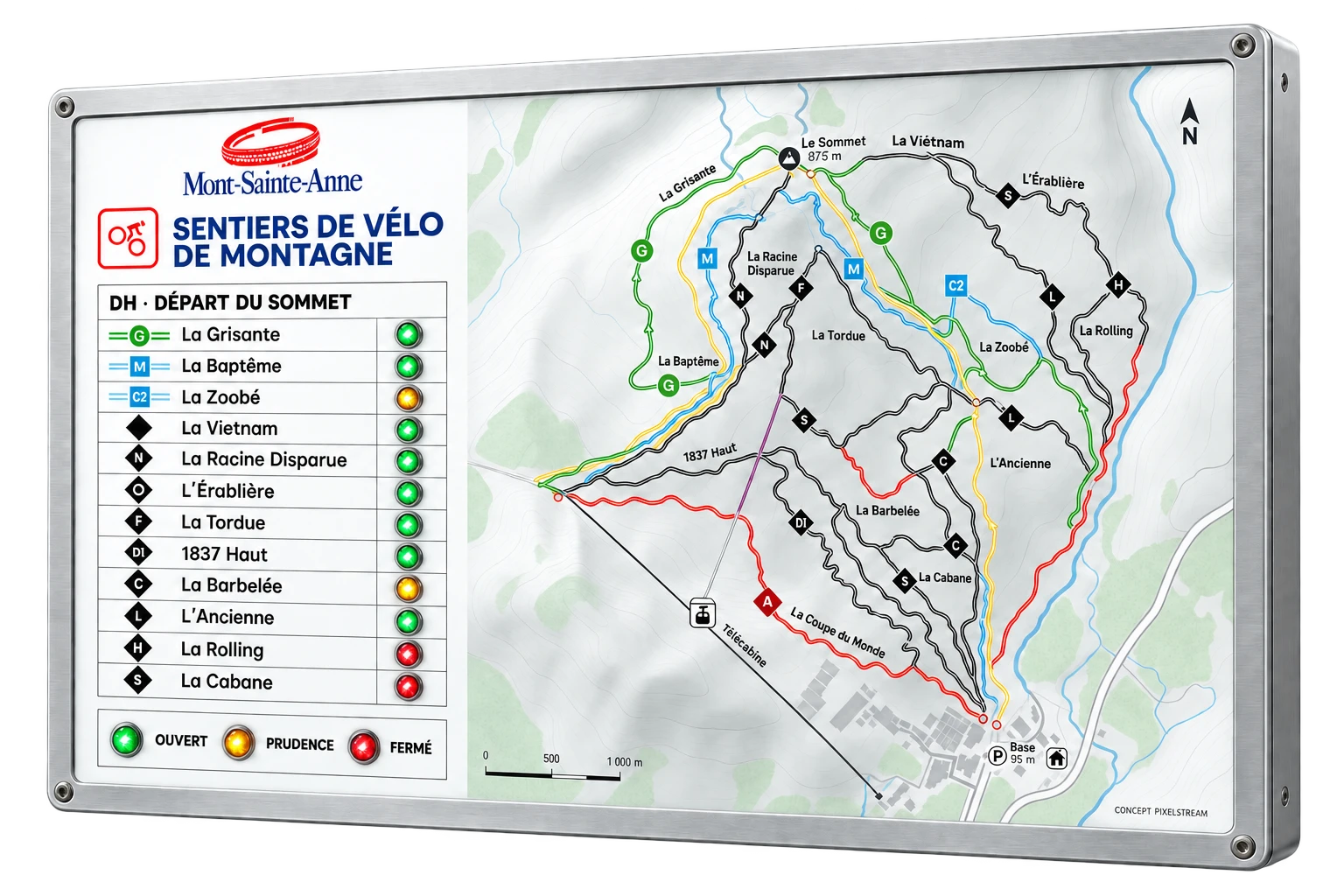
Mont-Sainte-Anne · Illustrative concept · Sample trail statuses
Illustrative panel · Sample data
SEE THE DAY CHANGE
Grooming is complete. The next run is clear at a glance.
Mountain team → Grooming statusA fixed label. A light signal. The useful information stays visible.
A connected data source or a web remote for manual statuses.
One data point can supply several panels.
WHERE DECISIONS HAPPEN
Each location answers a practical question. Build your panel network around the guest journey.
At the entrance
Parking, open sectors and access: give guests their first cue before paths split.
At the lift base
Show lift status and traffic using your available data or an update from your team.
At the trail junction
Open status, grooming and conditions: put the signal beside the name a skier is looking for.
Status colors · Trail difficulty keeps its own signage.
BEYOND THE RUNS
A spa break, a drink with friends, a stop at a mountain refuge. Help guests discover your resort’s facilities and nearby partners, right when they are deciding what comes next.
Show opening status or availability from a connected source, a schedule or a web remote. Each team or partner can keep its information current through scoped access.
Illustrative facility statuses
Time to unwind
An après-ski stop
A warm place to take a break
More ways to enjoy the mountain
CONNECTED TO YOUR OPERATION
Choose the sources your resort needs. Configure the thresholds, colors and panels that display them.
Trail and activity statuses
Expected snow, temperature, wind
Data from your operational tools
Lift queue lengths, estimated wait times and parking-space availability from camera feeds
Extract published web data when no internal API is available
Manual statuses and shared access
Turn your spreadsheets into signals
Planned openings and time windows
Lift traffic requires a data feed or a manual update. Connections to your tools are reviewed together.
INFORMATION THAT TRAVELS
With GetTrail, trail statuses can supply your conditions page, an embedded website widget and the PixelStream panels connected to those same data points.
Before choosing a lift
Before joining the line
Before choosing a run
Before leaving home
Ridge Run · Trail status : OPEN
SIMPLE FOR YOUR TEAM
Connect a data point to a panel, define its visual language and let the source supply it. For manual information, your team uses a web remote.
Share a remote by link and choose which controls it provides.
Find changes in the activity log and export the filtered view.
Monitor received data, updates sent to panels and their server connection.
ONE MOUNTAIN. MORE THAN ONE SEASON.
Skiing, mountain biking, hiking: adapt the data and signage to your activities. The same platform can manage multiple configurations, panels and sites.
A trail map and an LED beside each trail name: a concept inspired by the mountain bike network. The printed map stays in place while the light signals reflect connected statuses.
START ON THE MOUNTAIN
An entrance, lift or junction: identify the decision to make easier.
Review your tools, useful statuses and the people who keep them current.
Assess on-site understanding and the update workflow before a wider rollout.
PixelStream can complement your existing setup. Panels provide a persistent cue on the mountain; your website, maps and screens can keep their role for exploration and communication.
Yes, through available connectors, APIs or webhooks depending on your systems. Together we review accessible data, update frequency and how it maps to panel statuses.
The example uses traffic data supplied by a source or entered manually. It does not assume a sensor built into the panel.
Yes, when they are connected to a shared source. GetTrail provides status pages and widgets as well as a PixelStream integration. Delivery timing varies with connections and refresh intervals.
Talk about your mountain
Tell us about your resort, your data sources and one location to improve. Let’s build a demonstration around that real use case.